
Script
AI-generated video script with teleprompter support

Marcelo Franco
Last Update 5 个月前
Requirements
Requires ANTHROPIC_API_KEY in Settings. No other dependencies.
How It Works
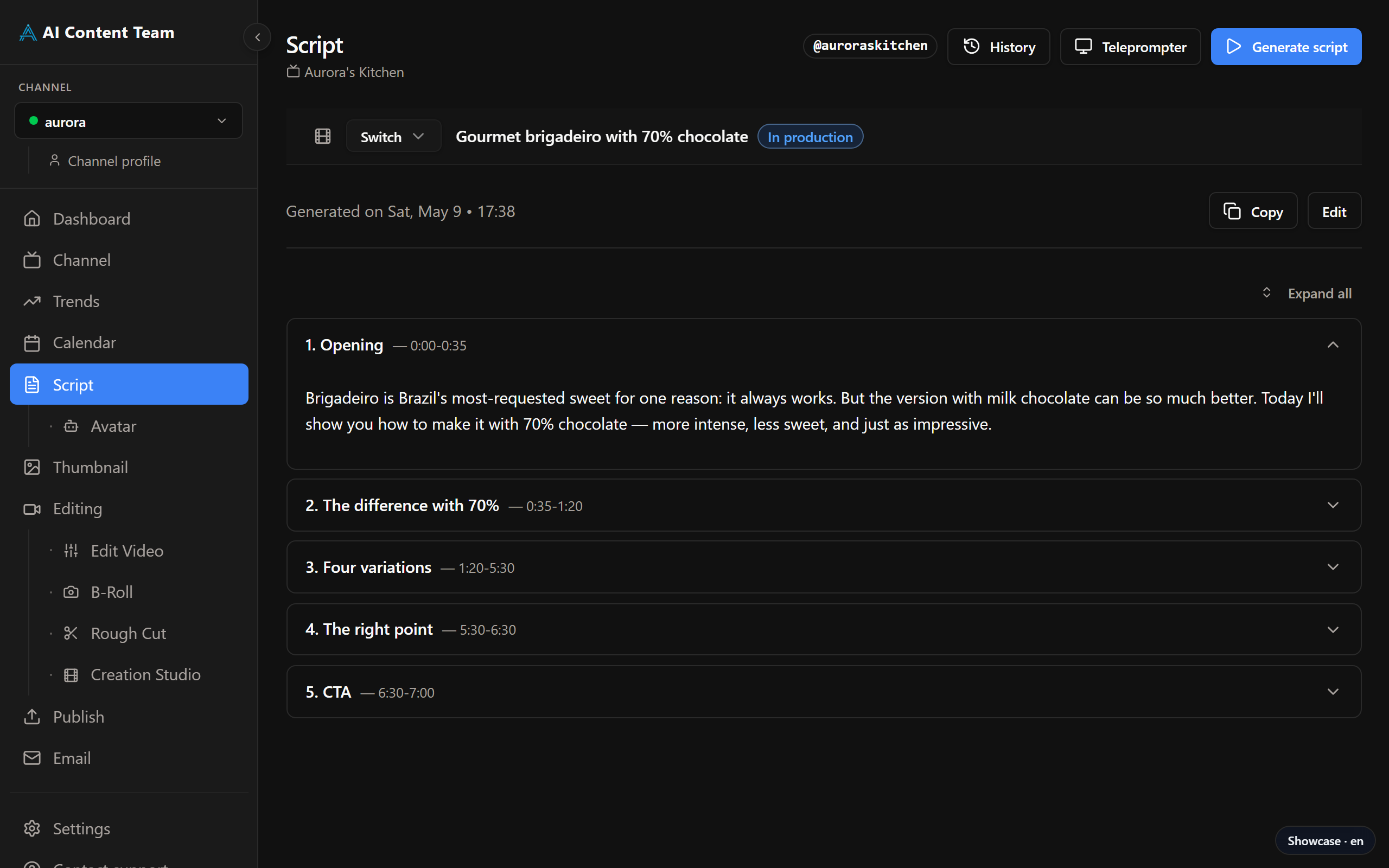
Enter a topic or paste a title from your Calendar. Click Generate Script and the AI produces a structured script with an intro hook, main sections, and a closing call to action. The script appears in the editor where you can read, edit, or regenerate individual sections before moving on.
Teleprompter
Once a script is ready, click the Teleprompter button to open a full-screen reader. The text scrolls at an adjustable speed so you can record directly while reading. Font size and scroll speed are configurable. Press Space to start or pause scrolling.
Script and Production
After approving the script, click Proceed to Avatar to pass it to the Avatar page for AI video generation, or record manually using the Teleprompter. The approved script is also used by the Thumbnail and Editing agents as context for generating aligned visuals.