
Rough Cut
Review and trim your recorded footage before final editing

Marcelo Franco
Last Update il y a 5 mois
How It Works
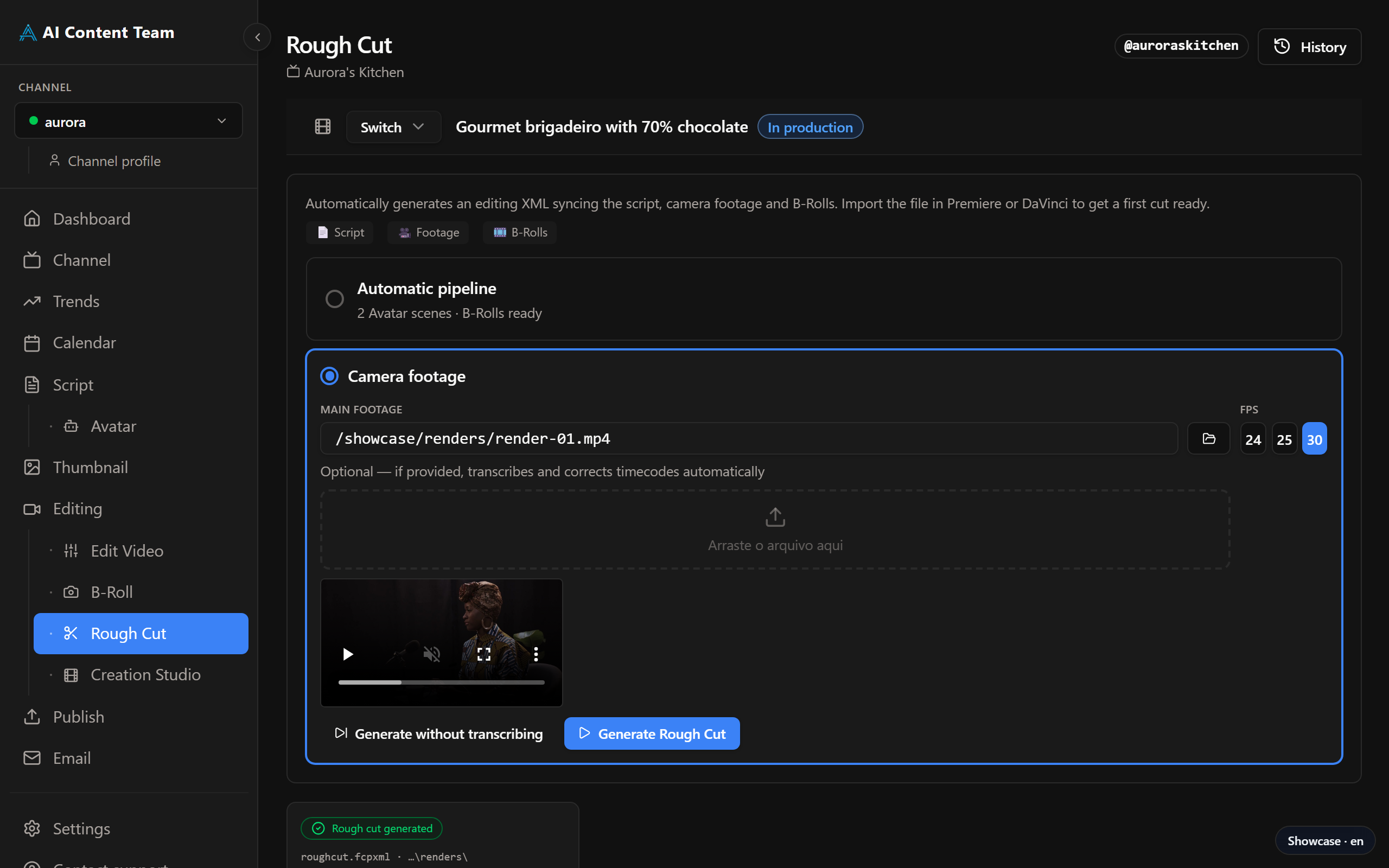
All recorded clips for the job appear in the media list. Each clip shows its filename, duration, and a thumbnail preview. Select the clips to include, set in/out points if needed, and click Proceed to Studio to pass the cut to the Studio step. Clips from HeyGen Avatar generation also appear here.
XML Export
Click Download XML to export a DaVinci Resolve-compatible XML file containing all clip references and basic cut information. Import this into DaVinci Resolve to start editing with your clips pre-organised on the timeline.