
Publish
Upload and schedule your video on YouTube

Marcelo Franco
Last Update 5 bulan yang lalu
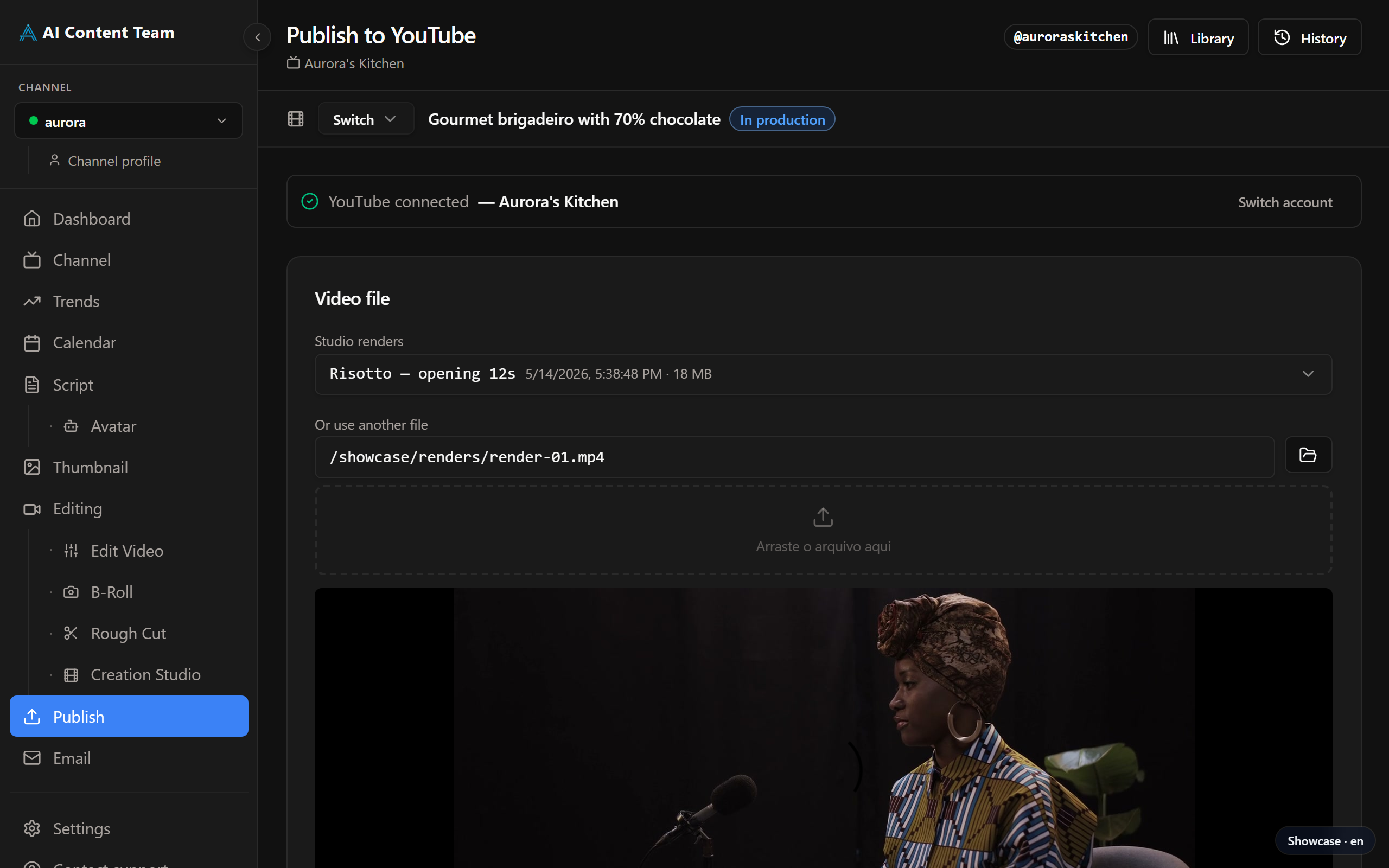
Publish prepares the video metadata and uploads it directly to YouTube, with optional scheduling. A Library sub-page lists every video you have already published from the app.
Requirements
GOOGLE_CLIENT_ID and GOOGLE_CLIENT_SECRET — Google OAuth for YouTube authorisation
YOUTUBE_API_KEY — for uploading and retrieving video data
How It Works
Select the video file (rendered or external). Authorise YouTube via OAuth on the first run — the app saves the credentials for subsequent sessions. Review the title, description, tags and chapters, which are pre-filled from the script. Tick the AI disclosure boxes where applicable. Choose to publish immediately or schedule (minimum 15 minutes in the future), then click "Publish" or "Schedule".
Library
Open Publish → Library to browse every video you have uploaded through the app: title, publish date, YouTube link, scheduling status and quick actions to re-open the original metadata.