
Calendar
Visualize and manage your editorial schedule

Marcelo Franco
Last Update 5 months ago
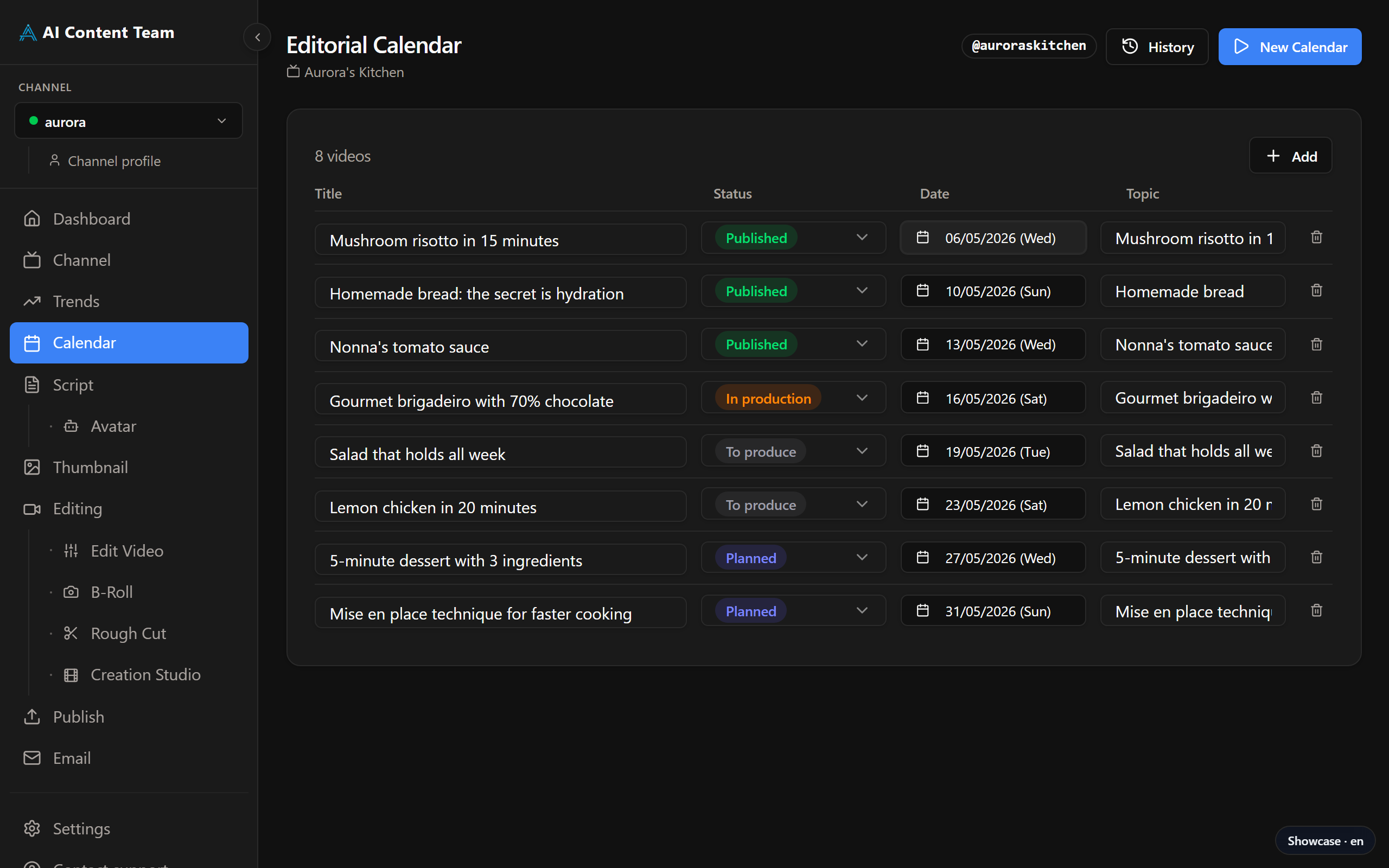
Available Actions
From the Calendar you can: create a new video item manually, change its planned publish date, jump directly to any production page (Script, Thumbnail, etc.) for a specific video, and sync the calendar with Google Sheets for external access.
How to Use
Approved trends from the Trends page appear here automatically. You can also add videos manually by clicking "+ New video". Click any video card to see its details or navigate directly to its production pages (Script, Thumbnail, Editing, etc.).
Google Sheets Sync
To share the calendar externally, configure GOOGLE_SHEETS_ID in Settings. The calendar will then sync automatically with the specified spreadsheet.